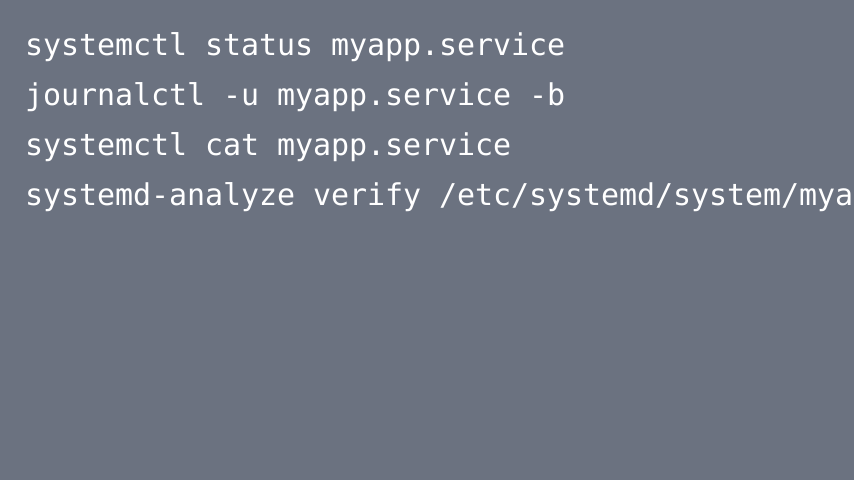
Troubleshooting systemd Services with systemctl and journalctl
When a Linux service fails under systemd, the fastest path to a fix is usually not restarting it repeatedly. A better approach is to inspect the service state, read the relevant logs, confirm the effective unit configuration, and validate changes before trying again.
This guide presents a repeatable troubleshooting workflow for modern Linux distributions that use systemd. The examples use commands available in systemd 257, but the core workflow also applies to many earlier systemd releases.