Skip to content

Archive

PHP

4 articles
Web Development Updated 07 Sep 2025 2 min read

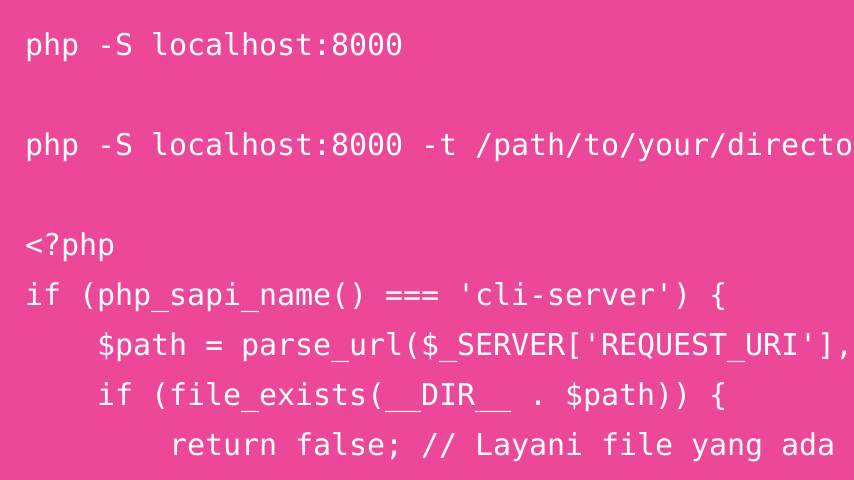
Using PHP's Built-In Server: A Quick Guide to `php -S`

When developing PHP applications, especially small projects or prototypes, configuring a full web server such as Apache or Nginx can be unnecessary. PHP includes a lightweight development server that starts with a single command: php -S. It is convenient for local development and quick testing, but it is not designed for production traffic. What Is php -S? php -S starts PHP’s built-in development web server. It can serve PHP scripts and static files without a separate web-server configuration.

Web Development Updated 02 Sep 2025 3 min read

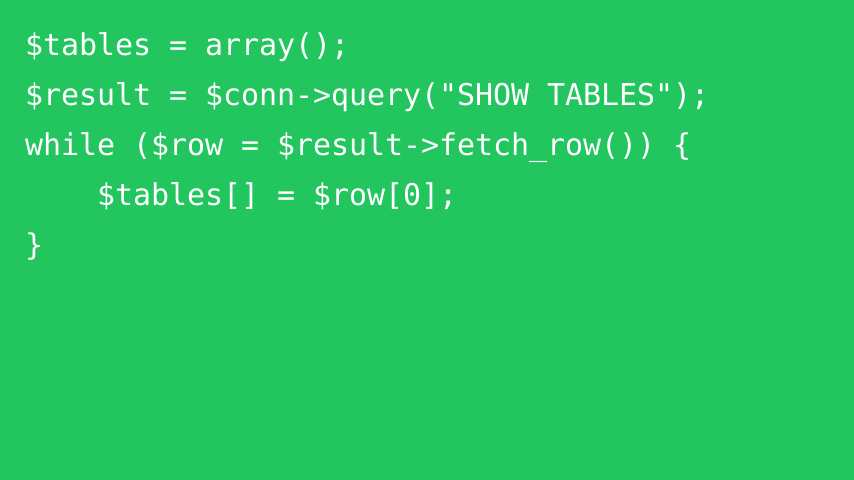
Backing Up a MySQL Database from PHP

Database backups are essential for recovery, migrations, and operational safety. Although PHP can query table definitions and manually generate SQL, a production-ready MySQL backup is better delegated to MySQL’s own mysqldump utility when it is available. This guide shows how a PHP script can invoke mysqldump safely enough for a controlled server environment. 1. Define the Database and Backup Settings <?php $host = 'localhost'; $user = 'backup_user'; $password = getenv('MYSQL_BACKUP_PASSWORD'); $database = 'your_database'; $backupFile = __DIR__ . '/backups/backup-' . date('Ymd-His') . '.sql'; Keep credentials out of source code whenever possible. Environment variables, secret stores, or protected configuration files are preferable to hard-coded passwords.

Web Development Updated 07 Sep 2025 2 min read

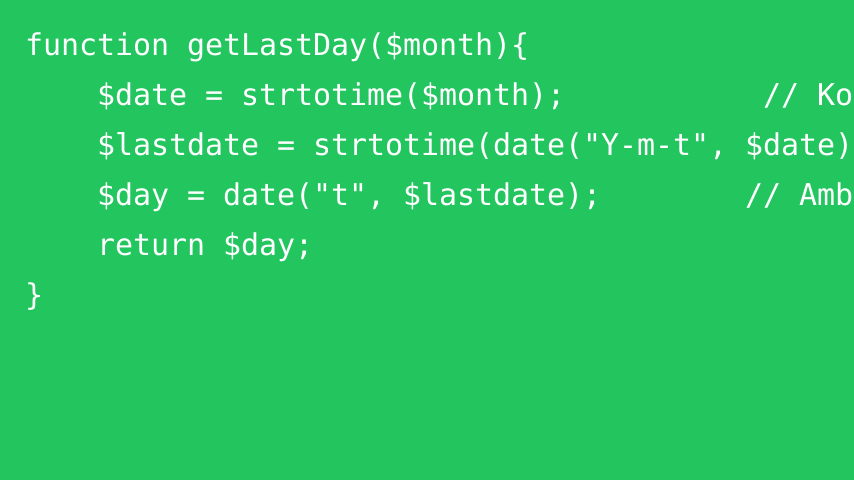
Finding the Last Day of a Month in PHP

Finding the number of days in a month is useful for reporting, billing periods, scheduling, and date validation. PHP can do this directly with its date APIs, including support for leap years. A Simple getLastDay Function The following function accepts a month in YYYY-MM format and returns the number of days in that month: function getLastDay(string $month): int { $date = new DateTimeImmutable($month . '-01'); return (int) $date->format('t'); } How the Code Works Create a date for the first day of the month

Web Development Updated 07 Sep 2025 2 min read

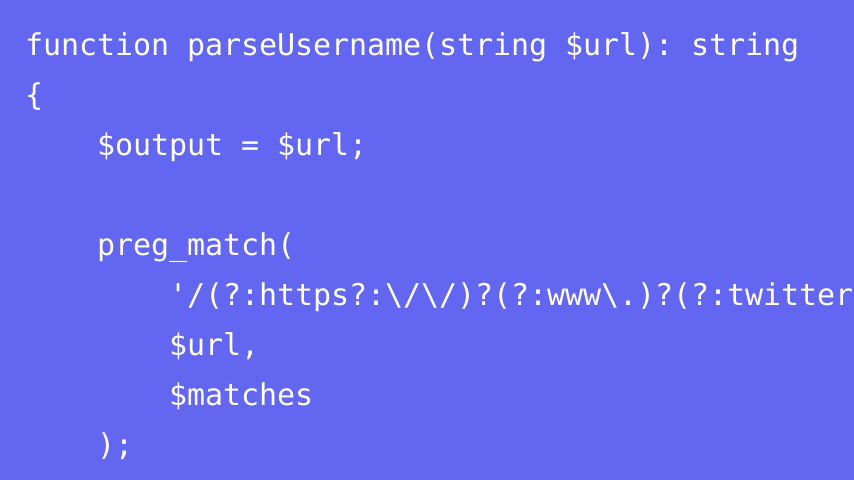
Extracting Usernames from Social Media URLs with PHP

Web applications sometimes need to extract a profile identifier from a social-media URL for normalization, imports, or display. PHP’s URL parsing functions are usually easier to maintain than one large regular expression because they let you validate the hostname and path separately. A parseUsername Function The following example supports several common profile URL formats: function parseUsername(string $url): string { $host = strtolower((string) parse_url($url, PHP_URL_HOST)); $path = trim((string) parse_url($url, PHP_URL_PATH), '/'); $supportedHosts = [ 'twitter.com', 'www.twitter.com', 'x.com', 'www.x.com', 'medium.com', 'www.medium.com', 'facebook.com', 'www.facebook.com', 'vimeo.com', 'www.vimeo.com', 'instagram.com', 'www.instagram.com', ]; if (!in_array($host, $supportedHosts, true) || $path === '') { return $url; } return explode('/', $path)[0]; } How It Works Parse the hostname and path