Creating a CA Bundle and Converting an SSL Certificate to .PFX
Managing SSL/TLS certificates is a routine task for many developers and system administrators. One common requirement is to combine intermediate certificates into a CA bundle and then convert the certificate and private key into a .pfx file.
The .pfx format, also known as PKCS#12, is commonly used when importing certificates into Windows Server and IIS, Microsoft Exchange, and other applications that expect a PKCS#12 bundle.
This guide walks through the process.
1. Create a CA Bundle
A certificate provider may give you several files:
- The domain certificate, such as
STAR_aaa_net.crt - One or more intermediate CA certificates
- A root certificate, depending on the package
When a server requires you to provide the certificate chain explicitly, combine the appropriate CA certificates into a bundle in the correct chain order.
For example:
cat SectigoRSADomainValidationSecureServerCA.crt \
    USERTrustRSAAAACA.crt \
    AAACertificateServices.crt > ca_bundle.crt
This concatenates the three .crt files into ca_bundle.crt. The order matters: begin with the issuer closest to your leaf/domain certificate and continue toward the root as required by your deployment.
2. Convert the Certificate to .PFX
Once the CA bundle is ready, use OpenSSL to create a .pfx file containing:
- The domain certificate
- The private key
- The additional CA certificates
Run:
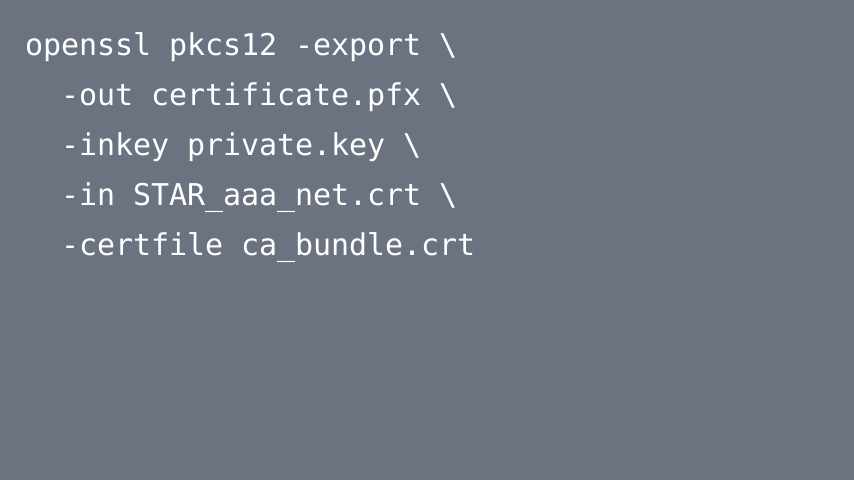
openssl pkcs12 -export \
  -out certificate.pfx \
  -inkey private.key \
  -in STAR_aaa_net.crt \
  -certfile ca_bundle.crt
The parameters are:
-out certificate.pfx→ output PKCS#12 file-inkey private.key→ private key associated with the domain certificate-in STAR_aaa_net.crt→ leaf/domain certificate-certfile ca_bundle.crt→ additional CA certificates to include
OpenSSL prompts you for an export password. Store it securely because it is normally required when importing the .pfx file.
3. When Is .PFX Useful?
Common use cases include:
- Installing TLS certificates in IIS/Windows Server
- Microsoft Exchange Server
- Applications that accept PKCS#12 bundles
- Moving a certificate and its private key between compatible systems
On many Linux deployments using Nginx or Apache, you can work directly with separate certificate, key, and chain files instead of creating a .pfx file.
Conclusion
Creating a CA bundle and exporting a PKCS#12 file with OpenSSL is straightforward once you know which certificate files belong in the chain. Use cat to assemble the required CA certificates and openssl pkcs12 -export to package the certificate, private key, and chain into a .pfx file.